
Share your experience with the founderhere!

Nishil Patel
Oct 26, 2025
6 min read
Last Updated Jun 16, 2026
Check out the key differences between BetterBugs.io and Userback — two bug reporting and website feedback tools based on their core offerings and pricing in 2026. Learn why BetterBugs.io stands out as the clear choice between the two.
1.
Introduction
2.
BetterBugs.io vs Userback: Quick Comparison
3.
What is BetterBugs.io
4.
What is Userback
5.
Why teams choose BetterBugs.io as the best alternative to Userback in 2026
6.
The bottom line
7.
FAQs
In this article, we’ve compared BetterBugs.io with Userback. Learn more on why BetterBugs.io is the best Userback alternative for bug reporting and collecting website feedback from internal teams and external users.
Here’s a quick comparison between BetterBugs.io and Userback based on their bug reporting and website feedback capabilities:
| Features | BetterBugs.io | Userback |
| Top use cases | Bug Reporting, Bug Tracking, Collecting Website Feedback from End Users, Beta Testing, Quality Assurance (QA), AI-Assisted Debugging, and Software Testing Overall | Collecting User Feedback, Surveys |
| For | Individuals, QA Teams, Developers, Stakeholders, Project Managers, SaaS Product Teams, Support Teams, App and Web Agencies, In-house Teams; Suitable for both technical and non-technical users | Project Managers, SaaS Teams, Web Agencies |
| Instant screenshot capture modes using Extension | 3 modes: Cropped, Visible Screen, and Full page (Scrollable) | 3 modes: Selected Area, Current, and Entire Page |
| Screen recording modes using Extension | Yes: 2 modes: Current Tab, Entire Window | Yes |
| Get screen recording video session at any time without manual capture | Yes: Rewind [2 mins] [FREE] | No ❌ |
| Webcam overlay and mic support while screen recording for bug reports | Webcam overlay support: Yes Mic support: Yes | Webcam overlay support: No ❌ Mic support: Yes |
| Web SDK Widget for customer support and feedback for web apps; For Internal Teams + End Users | Yes | Yes |
| Data Retention for Bug Reports and Feedbacks | 2 years [FREE] | Only 7 Days with the FREE PLAN |
| Technical details auto-captured and attached to bug reports | Yes [console logs, network requests, page navigation steps, custom meta data, env info, and others] [FREE] | Yes [console logs, network requests, meta info, env information, and others] [PAID] ⚠️ |
| Auto-attached event logs to the bug report from backend infrastructure | Yes [with Sentry integration. It’s a paid feature] | No ❌ |
| Additional details auto-attached to bug report for more context and reproducibility | Yes [Cookies, Local Storage, Session Storage] | No ❌ |
| Video blurring feature while screen recording | Yes [paid feature] | No ❌ |
| AI assistant to write issue summary and steps to reproduce | Yes With free tier [up to 15 times]; With paid plan [up to 350 times/month]; For Enterprise [unlimited] | No ❌ |
| AI Debugger (for BetterBugs Bug Reports) + MCP Server for AI debugging on VS Code, Cursor, Windsurf, and other AI IDEs | AI Debugger: Yes MCP Sever: Yes | AI Debugger: No ❌
|
| Recording links for customer support workflows; Can be configured to capture devtools info automatically for customer issues along with the screen recording | Yes | No ❌ |
| Project tools and Issue trackers integration | Yes (Jira, GitLab, Linear, and many others); Up to 30 attempts allowed for premium tools in the free tier; Unlimited attempts for paid tier | Yes (All paid)
No free integrations ❌ |
| 100% free integrations with unlimited attempts allowed | Slack and Microsoft Teams | No ❌ |
| Customer Support Integrations | Yes | Yes |
| Webhooks for integrating your preferred tools | Yes [Available with Teams and Enterprise Plans] | Yes [Available only with the most expensive (Business Plus) Plan] |
| Pricing | Two pricing tiers Teams: at $10 /user per month with 10 days free trial Enterprise: Custom Pricing | Three pricing tiers Team: $9 /seat per month Business: $19 /seat per month Business Plus: $29 /seat per month |
| Free version | YES; Available with robust features + 2 years data retention | YES; Available with very basic features |
BetterBugs.io is a visual bug reporting and website feedback tool. Using it, you can create actionable and developer-friendly bug reports in just a few clicks.
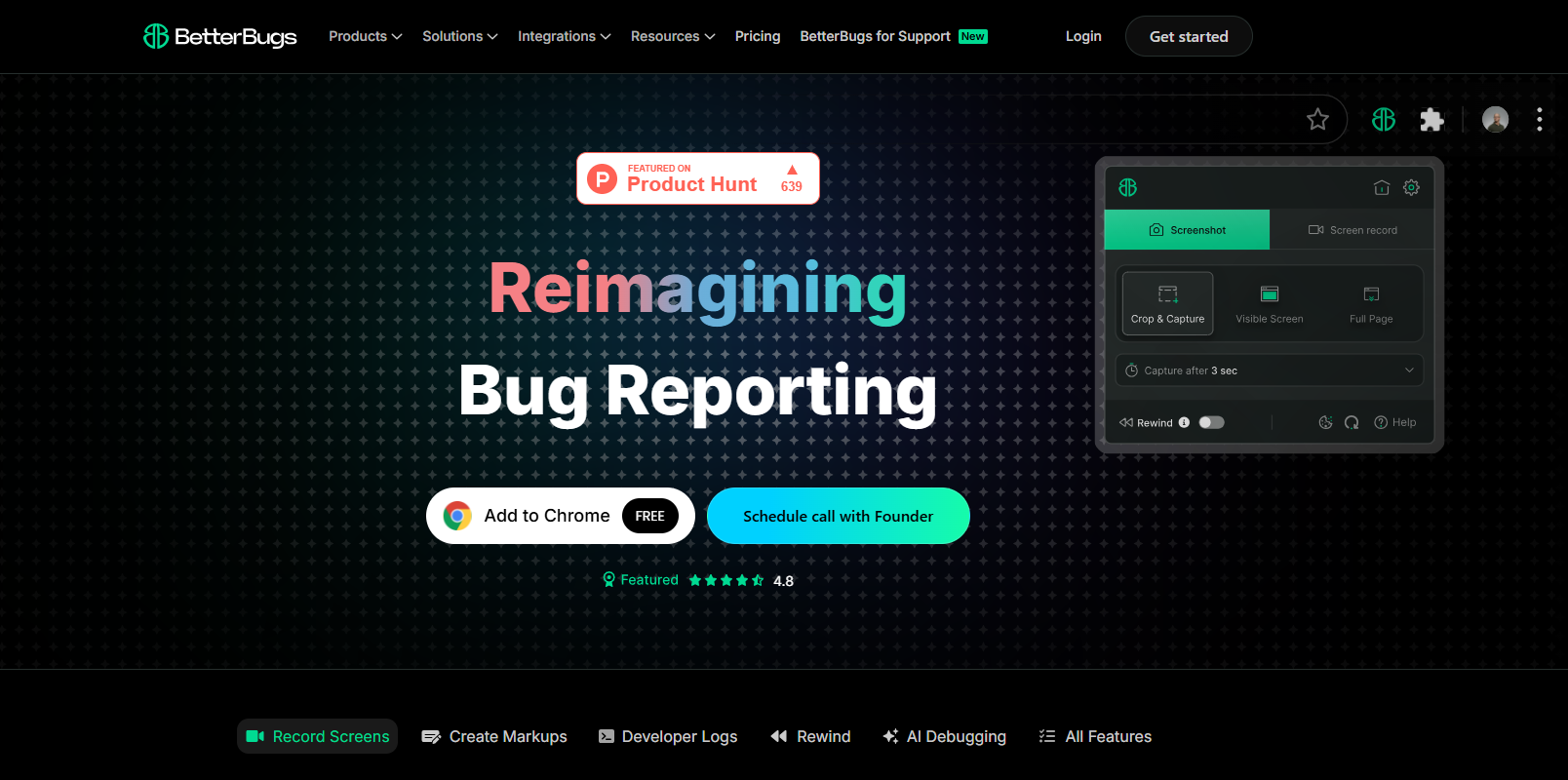
It’s perfect for technical and non-technical users (QA teams, developers, Support Teams, Project Managers, Business Analysts, Stakeholders, Founders) as an everyday, lightweight, and intuitive tool for:
All you need is to take a screenshot or screen record the issue using the BetterBugs FREE Chrome Extension. The underlying technical details of the bug (console logs, network requests, system and device info, env info, and others) are auto-attached to the bug report. You can add the issue repro steps and summary using AI.
You can share the bug reports instantly to others or your preferred project management tools and issue trackers, right from your browser. No copy pasting or manual process is required for this. All it takes is a few clicks and Voila!
Developers can use the actionable bug reports to start debugging with complete info, context, and data. Plus, they can use the integrated AI-Debugger (for BetterBugs Bug Reports) to get instant bug analysis, possible solutions, and test cases in a chat-style format. It’s perfect for running AI-assisted debugging sessions.
And that's not all! BetterBugs comes with an MCP server that enables devs to bug app issues using the BetterBugs report link + a quick prompt. It works perfectly with VS Code, Cursor, Windsurf, Claude Code, and many other AI text editors and IDEs. All you gotta add is a small code snippet to your preferred text editor and you are good to go!
For collecting internal teams and end user feedback (for reporting bugs or issues), BetterBugs.io has the fully customizable Feedback SDK Widget that you can instantly add to your web apps ( React apps, Vue apps, Electron desktop apps, and other JavaScript apps).
BetterBugs.io comes with a free forever version and two pricing plans:
Check out the complete pricing and features of BetterBugs.io.
Userback is a website feedback tool that enables you to get end-user feedback on your website. You can also use it to create surveys, run basic bug tracking and reporting workflows, and feature request workflows.
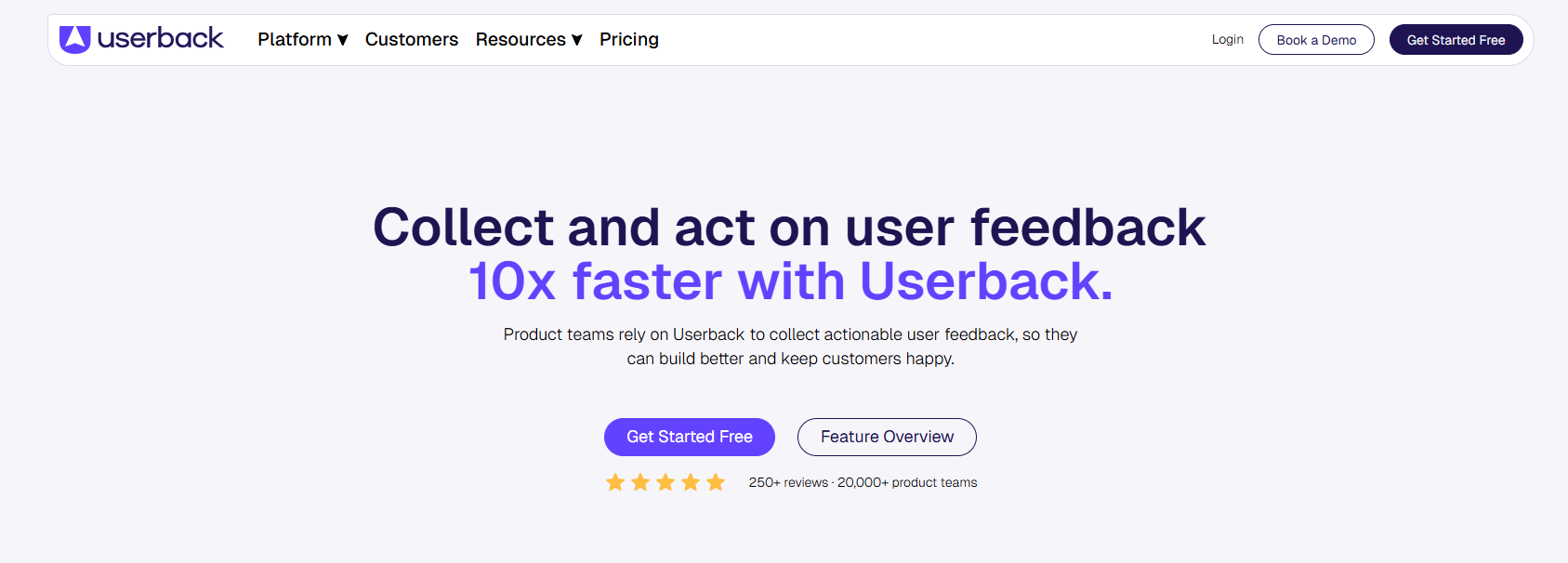
Userback comes with a free plan and three pricing tiers:
Check out the complete Userback pricing here.
Here’s why teams prefer BetterBugs.io as the best Userback alternative for their bug reporting, bug tracking, and website feedback workflows:
BetterBugs.io comes packed with the AI-Debugger (for every report you create with BetterBugs); perfect for getting report analysis, possible solutions, test cases, and conclusion in a chat style. It’s a paid feature that comes with the BetterBugs.io Teams plan:
Recording links lets you create screen recording URLs from your BetterBugs dashboard and share them directly with users. Your end users can capture issues without any downloads or setup. Users just need to:
Reports appear in your BetterBugs dashboard with video evidence and technical data that developers need for troubleshooting.
BetterBugs.io isn't just a Userback alternative; it's a comprehensive platform that gives QA, testing, project management, development teams more features, better technical depth, and superior value from day one. Here's why:
Nishil is a successful serial entrepreneur. He has more than a decade of experience in the software industry. He advocates for a culture of excellence in every software product.
Meet the Author: Nishil Patel, CEO, and Co-founder of BetterBugs. With a passion for innovation and a mission to improve software quality.
We never spam.